Diane's Vintage Zest!: blogging 101

Spicy Chorizo Cornbread Stuffing

A spicy spin on my Cornbread Stuffing that EVERYONE loves!

Sweet Potato Souffle for Thanksgiving

One of my most popular recipes EVER, and just in time for Thanksgiving!

DIY Painted Photo Backdrops

Super easy backdrops for your photo, plus a few tips!

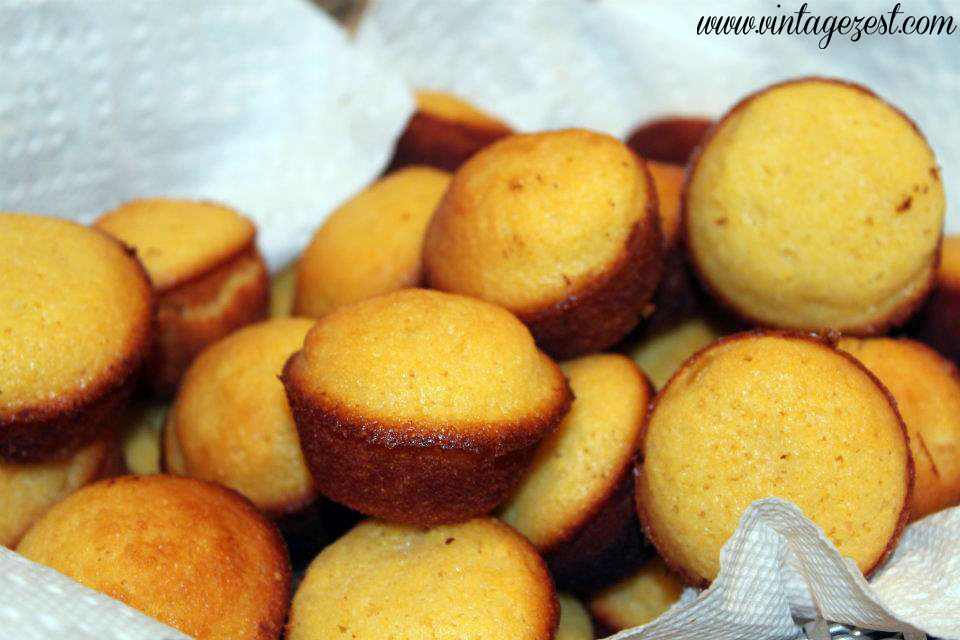
Golden Sweet Corn Bread Mini Muffins

A sweet spin on traditional cornbread!

Easy Sweet Potato Pie (without a crust!)

The easiest (and healthiest) pumpkin pie recipe ever!

Showing posts with label blogging 101. Show all posts

Blogging 101: Getting Started with Social Media in 8 Simple Steps


*Update*  Check out the latest Blogging 101 posts here:


********************


Welcome back to another Blogging 101 post!  Today's post is all about getting started in the huge world of social media.

First of all, why do you need social media as a blogger?  Even if you view your blog as only a creative outlet, other readers, bloggers, and even brands will want to connect with you.  If you plan on running it as a small business, you will definitely need social media.

Once you are visible through social media, people will get to know your blog, your brand, and it can drive traffic back to your site.  All good things!


Blogging 101: Getting Started with Social Media in 8 Simple Steps


You may already be a whiz at social media with your personal accounts, but I have picked up a few tips that are specifically helpful for bloggers.  I also link to lots of tutorials below that will be beneficial to setting up your social media, so stick around even if you are already a hashtag expert/ power Instagrammer/ Facebook fiend!


Let's get started!


Blogging 101: Getting Started with Social Media in 8 Simple Steps


General Tips for Setting Up Your Accounts


1.  Create Social Media accounts separate from your personal accounts*

  • There are so many reasons that you need to do this!  Your in-real-life friends might not be interested in your crocheting posts, your blog readers might only want to see your food posts and skip the photos from your family Disneyland trip, and so on.  Keep it simple!  Also, for people who blog as a team, it makes sense to have an account that multiple people can access.
  • Also, your social media will be public, so if you want a bit of privacy, keep them separate!
Facebook & Google+ do not need a separate accounts, but you will need to set up new pages.  Tutorial links below!

Blogging 101: How to Write a Better "About Me" Page


*Update*  Check out the latest Blogging 101 posts here:


********************


Writing an "About Me" page is extremely daunting to most folks.  Blogging is writing all about your passion, your likes, your dislikes, your life, your family, and everything else, but when it comes down to giving readers a snapshot of just you, it is super tough to know where to start.  Add to that the pressure that it is consistently one of a blog's highest viewed pages, and it can go untouched for months.  (No judgement from me, because that's what I did.  Eek!)


I suggest to new bloggers that you write your "About Me" page before even hitting Publish on your first post.  I mean, if a stranger burst through your door announcing, "It's me!  I have so much to tell you about my day, an awesome recipe I made, and some of my travel tips!", you would probably call the cops.  If that same person introduced themselves as your neighbor who moved from California and tells you about their family and a few other tidbits, you might strike up a friendship.  The more info you share about yourself, the more likely someone is to connect with you and want to hang around with you!


That's what the "About Me" page is, in blogging terms.  Someone stumbles on to your blog through a specific post, and to find out more about you, they click on your page.  If they like what you have to say, they decide to start up a "virtual" friendship by subscribing, and you just gained a new follower and friend!


********************


For this Blogging 101 post, I include a few sections that every page would benefit from having.  Then, I go into a few general tips for writing your page.  If you take a peek at my "About Me" page, I write a lot.  I am wordy, and I own that, but if you want to shorten it up because you are a person of few words, that's perfectly fine!  Feel free to switch up the order so your story flows better, or omit sections that don't apply to you.


Are you ready?  Here are a few tips to putting together an even better "About Me" page for every blogger, not just newbies!


Blogging 101: How to Write a Better About Me page on Diane's Vintage Zest!


Sections to include


Intro

This is the speed-dating version of how you would present to someone in 10 seconds.  In a few sentences welcome your reader, say thank you, and introduce yourself.  Easy!


All About you

This is the hard part, right?  Wrong!  You know all the answers, so here are a few pieces of information that you might want to include:

Blogging 101: Tips for Starting Your Blog


*Update*  Check out the latest Blogging 101 posts here:


********************


So you decided to start a blog!  Now, what do you do?

Let me mention that this is not a complete step-by-step guide for every detail you will need to do, but this post has a bunch of tips that I wish I would have known before starting my own blog.  Let's get to it!


Jump to:  Step 1, Step 2, Step 3, Step 4, Step 5, Step 6, Step 7


Tips for Starting Your Blog on Diane's Vintage Zest!


1.  What are you going to blog about?

This seems like a no-brainer, but taking a minute to figure it out will help to decide a lot of things (like Step 4) in the future.  Make sure it is something that you love or are passionate about.  When you really enjoy what you are writing about, it will just flow and you will have tons of ideas.  On the flip side, I have seen blogs that seem like they are trying to very hard to copy what they think a blog should be and then it reads "forced."  You don't want to feel burned out because you are writing about something you don't actually like.

Now, there is no right or wrong answer here, but answer this: are you going to write about one niche topic or a collection of different things?  Keep in mind that some readers like blogs that are only one topic (think food bloggers, sewing bloggers, home decor bloggers, etc.).  If you are like me and love to write about almost everything, you might want to think whether or not there is a thread to tie your topics together.  If it makes sense, then write about all of them and call yourself a lifestyle blogger!  ;)

However, I know of people who have two blogs: crafting & fitness, technology & family, lifestyle & eating around L.A., etc. because the audiences are vastly different.  Remember though, maintaining two blogs is more difficult than one.  I know from experience!


Tips for Starting Your Blog on Diane's Vintage Zest!
My second blog: The Episodic Eater!


2. Decide on a blogging platform

I have seen many pros and cons for starting off with free vs. self-hosted.  There are many free blogging websites, such as Blogger, Wordpress.com, Squarespace, TumblrTypepad, and more.  For self-hosted, you can use Wordpress.org to design, post, etc. and then pay yearly to a hosting site.

Think of the free websites as renting in an apartment building.  You can't make major design changes such as knocking down walls, so you are limited to customization.  You have to follow certain rules and there is the small chance of you being kicked out (aka, they can take down your blog for not following their Terms of Service).  Also, you cannot run a full-on business out of your apartment.  With free blogging websites, you can make some money through ads, sponsored posts, etc., but larger blogs & businesses typically usually do not run through free websites.  Self-hosted is like owning your own home.  You pay more, but you can customize, run a business more efficiently, and you own that space.  No one can kick you out!  However, you also have to keep up with maintenance and it typically takes more work.

Once you choose, you are not locked in.  You can decide to move to self-hosted later, but it involves some work and sometimes money.  Moving from self-hosted to free is not usually done because it basically requires downsizing of design elements, etc. but it can be done.  Therefore, it makes sense to make the best decision at the start!


Tips for Starting Your Blog on Diane's Vintage Zest!
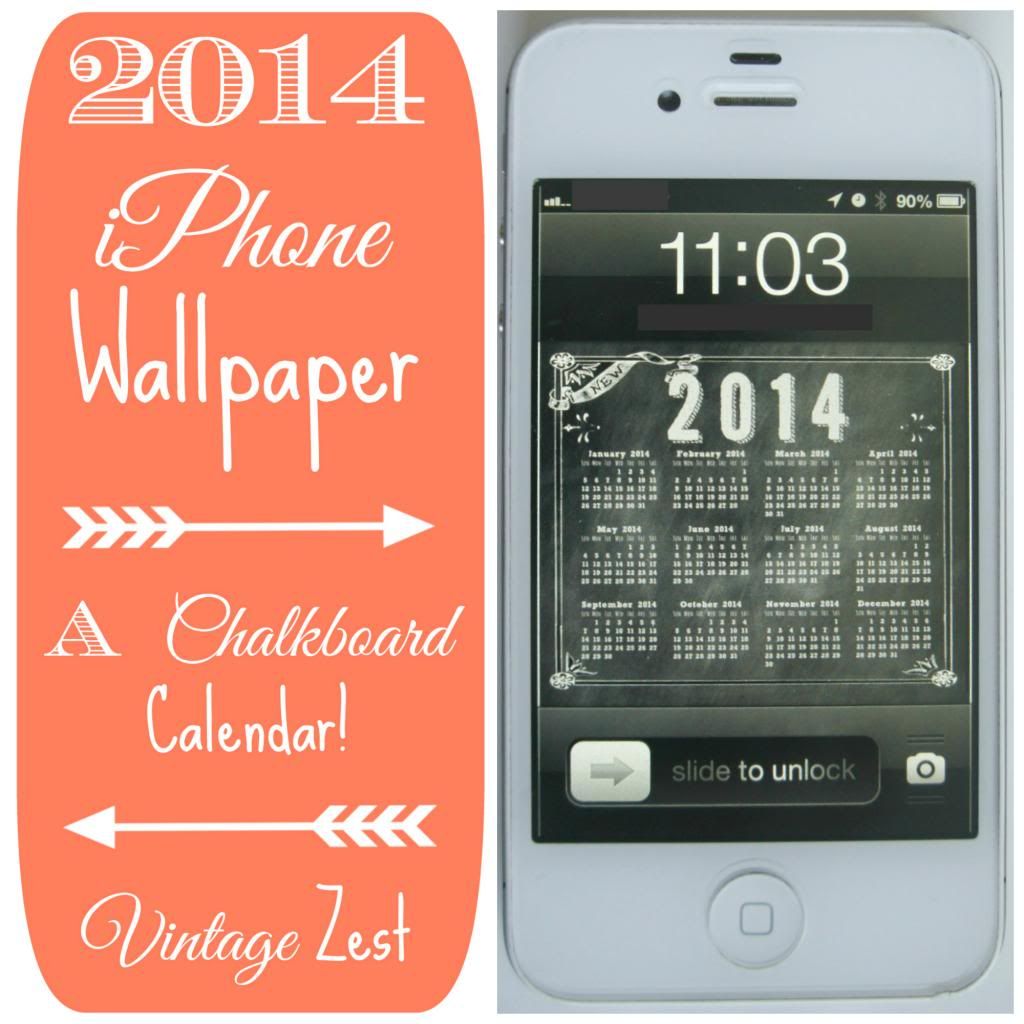
I customize everything (including my iPhone wallpaper) but I would rather go with free right now...  :)


Here are the main points to consider:

Why I am a Shy Blogger...


I promise that every Thursday from now on, I will have a useful tip for my Blogging 101 series.  Before we get into it, I have a confession to make.  So please excuse the interruption before we start off, because I have something that I have been meaning to explain to you all for a long time.


********************


Some of you have been loyal readers of mine since the beginning, others are newer friends, and some of you might be reading this post as the very first time on my blog.  Here are a few numbers that may (or may not) interest you:

I have been blogging for 491 days, published 561 blog posts on Vintage Zest & The Episodic Eater, and shared a whole slew of photos and more on my Instagram, Twitter, Google+, and Facebook accounts.

And how many of those posts and social media shares have included a picture of my face?


A big, fat ZERO.


Why?  Because I am a shy blogger.


Why I am a Shy Blogger... on Diane's Vintage Zest!


I get asked a lot why I don't have a picture up on my website, and I figured that I should explain it with a bit of thought behind my answer.  If you are wondering why I am addressing it now, here is the reason.  As both Vintage Zest and The Episodic Eater grow, I have been attending more events.  As I meet more bloggers, shop owners, and PR peeps, I have to explain that I would rather not be photographed.  Sometimes I feel bad about it because to fully explain why,  I would have to give the whole explanation below.  Not time efficient when someone wants to snap a quick Instagram pic!

Blogging 101 Series & $25 Starbucks GIVEAWAY!

*Update*  Check out the latest Blogging 101 posts here:


********************

I have a few announcements to make today!  First (and most importantly), I am starting a new series for new bloggers with little tips and tricks that I have learned along the way.  I think some of you more experienced bloggers will find some useful tidbits as well!


Blogging 101 on Diane's Vintage Zest!


How did this series come about?  Well my friend who you have seen on several posts, including my trip to London & Paris last year, is starting her own blog!  I still consider myself a blogging newbie in a lot of regards, but I have a few tips that will definitely help her out, and I just wanted to share them all with you!

Also, it may help you current bloggers to find a few more resources that you hadn't found yet.  Just like my popular Pinterest Cover Board post, I hope that you guys and gals find this useful!

.