*Update* Check out the latest Blogging 101 posts here:
********************
So you decided to start a blog! Now, what do you do?
Let me mention that this is not a complete step-by-step guide for every detail you will need to do, but this post has a
bunch of tips that I wish I would have known before starting my own blog. Let's get to it!
Jump to:
Step 1,
Step 2,
Step 3,
Step 4,
Step 5,
Step 6,
Step 7
1. What are you going to blog about?
This seems like a no-brainer, but taking a minute to figure it out will help to decide a lot of things (
like Step 4) in the future. Make sure it is something that you love or are passionate about. When you really enjoy what you are writing about, it will just flow and you will have tons of ideas. On the flip side, I have seen blogs that seem like they are trying to very hard to copy what they think a blog
should be and then it reads "forced." You don't want to feel burned out because you are writing about something you don't actually like.
Now, there is no right or wrong answer here, but answer this: are you going to write about one niche topic or a collection of different things? Keep in mind that some readers like blogs that are only one topic (think food bloggers, sewing bloggers, home decor bloggers, etc.). If you are like me and love to write about almost everything, you might want to think whether or not there is a thread to tie your topics together. If it makes sense, then write about all of them and call yourself a lifestyle blogger! ;)
However, I know of people who have two blogs: crafting & fitness, technology & family,
lifestyle &
eating around L.A., etc. because the audiences are vastly different. Remember though, maintaining two blogs is more difficult than one. I know from experience!
2. Decide on a blogging platform
I have seen many pros and cons for starting off with free vs. self-hosted. There are many free blogging websites, such as
Blogger,
Wordpress.com,
Squarespace,
Tumblr,
Typepad, and more. For self-hosted, you can use
Wordpress.org to design, post, etc. and then pay yearly to a
hosting site.
Think of the free websites as renting in an apartment building. You can't make major design changes such as knocking down walls, so you are limited to customization. You have to follow certain rules and there is the small chance of you being kicked out (aka, they can take down your blog for not following their Terms of Service). Also, you cannot run a full-on business out of your apartment. With free blogging websites, you can make some money through ads, sponsored posts, etc., but larger blogs & businesses typically usually do not run through free websites. Self-hosted is like owning your own home. You pay more, but you can customize, run a business more efficiently, and you own that space. No one can kick you out! However, you also have to keep up with maintenance and it typically takes more work.
Once you choose, you are not locked in. You can decide to move to self-hosted later, but it involves some work and sometimes money. Moving from self-hosted to free is not usually done because it basically requires downsizing of design elements, etc. but it can be done. Therefore, it makes sense to make the best decision at the start!
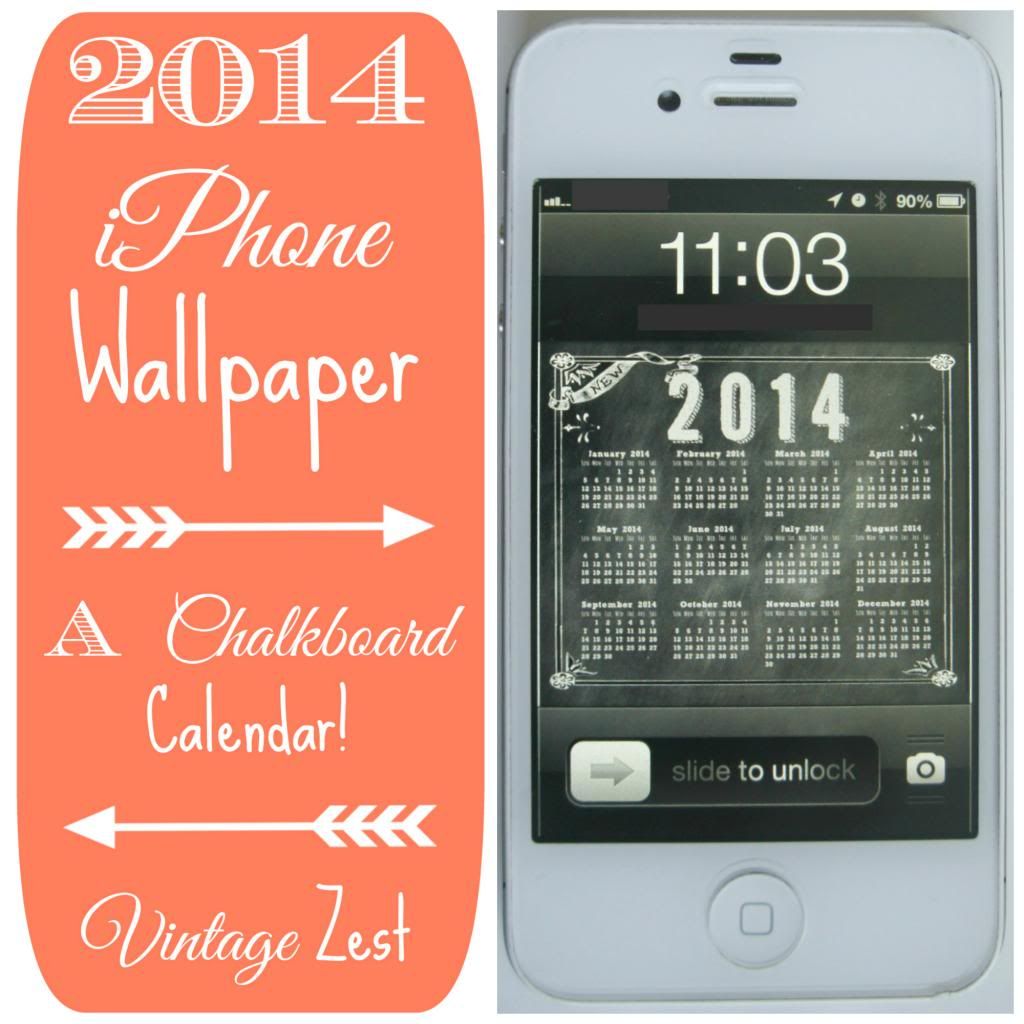 |
| I customize everything (including my iPhone wallpaper) but I would rather go with free right now... :) |
Here are the main points to consider: